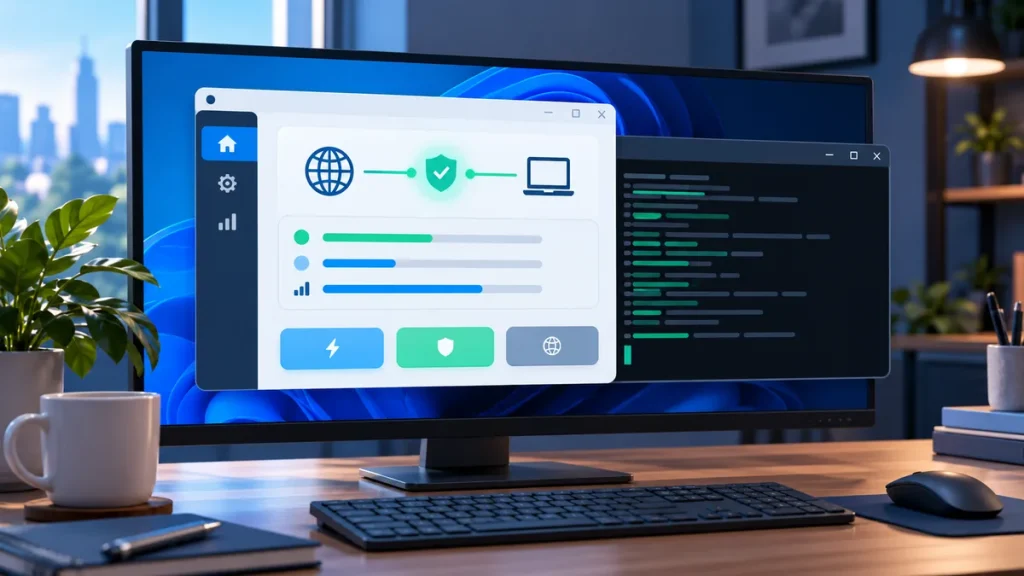
Searches for �GoodbyeDPI GUI� often mean a user wants a point-and-click way to start the Windows tool. A graphical wrapper may make launch options easier to see, but it is a separate program from the upstream GoodbyeDPI project. Treat its publisher and code as a separate trust decision.
What a GUI wrapper changes
A wrapper can present controls for starting or stopping the underlying program, selecting a preset, or viewing status. It may also bundle executables or scripts. That means it can affect which files are run and with what privileges. A familiar interface does not prove that a download is current or safe.
Check these details before using one
- Source: Is its repository clearly identified? Is it linked from its own documentation rather than only from a file-hosting mirror?
- Release history: Are changes explained? Is the current version compatible with the upstream GoodbyeDPI version it expects?
- Permissions: Does the wrapper explain why it requests administrator access? Driver-level operations may need elevated permissions, but avoid granting them to an unknown bundle.
- Bundled files: Does it include an upstream release, or ask you to download the engine separately? Verify the origin of every executable.
- Removal: Does it document how to stop the process and remove any installed service or driver?
GUI or command line?
A GUI may be more convenient for frequent use. The upstream release scripts and documentation can be easier to verify because you can inspect files provided by the project. If you are troubleshooting, record the wrapper version, upstream version, selected option, and Windows error so the problem is reproducible.
Do not assume a wrapper is official because it uses the GoodbyeDPI name or logo. Unless the original project links to it, describe it as a community or third-party wrapper.
Safer starting point
Get the engine from the official releases page and read the upstream README. If you decide to use a wrapper, verify its own repository and release separately. Our safe download guide explains how to check the source before running files.
Search for the source before choosing a GUI
Searches for a GoodbyeDPI GUI often lead to several tools with similar names and screenshots. Start from the official GoodbyeDPI repository and look for a direct link to the wrapper. If the upstream project does not link to it, treat the wrapper as an independent application. A logo or a familiar name is not a publisher check, and a wrapper�s download page is not the same as the engine�s release page.
For each candidate, open its source repository and compare the download file with the release notes. Check whether the code is public, whether recent releases explain changes, and whether the wrapper says which GoodbyeDPI version it expects. If the wrapper bundles an executable, verify that file�s origin too. If it downloads the engine automatically, make sure the source is stated and that you can inspect the downloaded version before running it.
Administrator access deserves extra care
A graphical interface does not reduce the permissions needed by the underlying networking tool. If the wrapper requests administrator rights, confirm that the request matches the task described by its documentation. Understand what process will start, whether it installs a service, and what files or drivers it manages. Do not approve an unexplained elevation prompt simply because the interface looks polished.
Check the full removal path before installing. A trustworthy guide should explain how to stop a foreground process, remove a service if one was installed, and restore the prior setup. Avoid wrappers that promise a �one-click fix� but do not explain what they change. If an antivirus warning appears, verify the exact file and release instead of disabling protection or downloading a replacement from an unrelated mirror.
A safe evaluation workflow
- Download the underlying engine from the official releases page.
- Read the matching release notes and keep its original files together.
- Verify the wrapper�s own repository and release separately.
- Record the wrapper and engine versions before testing.
- Start with one documented configuration and test one previously failing destination.
- Use the wrapper�s own stop and uninstall steps if the result is unclear.
This workflow makes it easier to identify whether a problem comes from the engine, the wrapper, the Windows driver, or the network. If you report an issue, include the version numbers and exact error message, but remove private information from screenshots and logs.
When a command-line launch is the better choice
The upstream scripts are a useful baseline because they are shipped with the project and can be reviewed alongside its documentation. A command window may also show an error that a third-party wrapper hides. That can make the command-line method easier to troubleshoot, even if it is less convenient for repeated use. Follow the release instructions rather than copying a command line from an old forum post.
For a source check before you download, read the safe download guide. For step-by-step setup, use the Windows installation guide.
Is GoodbyeDPI GUI an official app?
The upstream project is GoodbyeDPI. A graphical wrapper is separate unless the project itself identifies it as official. Verify its publisher and release independently.
Should I use the wrapper with the most settings?
More controls do not guarantee a better result. Choose software you can verify, understand, test, and remove safely. Start with the documented default path.
