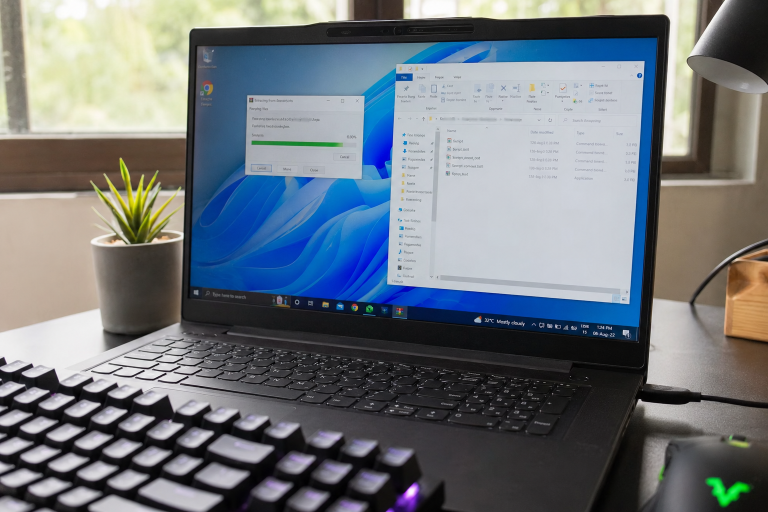
How to Install GoodbyeDPI: Step-by-Step Client Setup Guide
Here’s how to install GoodbyeDPI in under five minutes: download the release archive, pick the right batch script for your…
Welcome to the ultimate GoodbyeDPI Setup Guide. If you are facing internet censorship, website blocks, or deep packet inspection (DPI) throttling from your local ISP, GoodbyeDPI is the most lightweight, open-source solution available. This guide will take you through the official installation, configuration, and troubleshooting steps to restore your internet freedom.Many users prefer this GoodbyeDPI Setup Guide because it doesn’t require any external proxy configurations.

Many ISPs use advanced Deep Packet Inspection to track and block your web traffic. Traditional VPNs can slow down your connection or cost money. GoodbyeDPI runs locally on your system as a service, meaning it costs zero background lag, requires no proxies, and retains your original maximum internet speed.
A lightweight, privacy-focused bypass tool designed to keep your connection fast and secure.
Click our official download button above to grab the latest ZIP archive from the safe GitHub repository.
Extract the folder to a safe directory on your PC (e.g., C:\GoodbyeDPI).
Inside the folder, right-click on service_install.cmd and select Run as Administrator.
Once the command prompt windows successfully configures the system, your DPI bypass is active.
Fragments HTTP/HTTPS packets so active gateway inspection engines fail domain verification.
Supports filtering across standard web channels including Port 80 (HTTP) and Port 443 (HTTPS).
Got questions about local deflecting and client-side protocols? Find the answers below.If you face any errors during installation, refer back to the troubleshooting section of this GoodbyeDPI Setup Guide.
ISP gatekeeper firewalls actively parse outbound data chunks scanning for hostnames in the TLS handshakes. By applying client-side packet fragmentation, the engine splits TCP payloads into micro-byte sizes.
As a result, signature matching routines fail because host names are split across frame boundaries. The server receives the fragments and reassembles them, allowing clean access without signature blocks.
Virtual Private Networks (VPNs) redirect your entire internet stack to external servers. This increases response ping, reduces bandwidth, and makes you trust intermediate providers with your logs.
The deflector engine operates differently. It intercepts and filters your requests directly inside the local NIC TCP driver queue. There are no proxies, no logging systems, and absolutely no external routing overhead.
A detailed breakdown of client-side evasion techniques running concurrently inside the engine.
Randomizes uppercase/lowercase characters of host strings inside Client Hello packages to evade rigid string filters.
Limits TCP window sizes dynamically to force firewalls to parse segments individually, splitting signature buffers.
Detects and drops injected fake TCP RST/Redirect packets sent by passive splitters before they hit browser sockets.
Redirects standard Port 53 queries locally to prevent hijacking gateway filters from spoofing site IP pools.
Get the latest updates, configuration guides, and network security explainers.
Here’s how to install GoodbyeDPI in under five minutes: download the release archive, pick the right batch script for your…
If you rely on GoodbyeDPI to get around deep packet inspection (DPI) blocking, you already know it works well on…
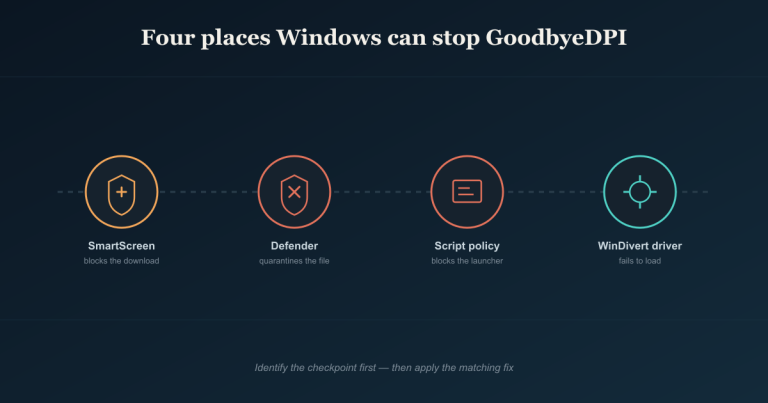
Quick answer: Most “GoodbyeDPI isn’t working” problems trace back to Windows intercepting it at four points — SmartScreen blocking the…
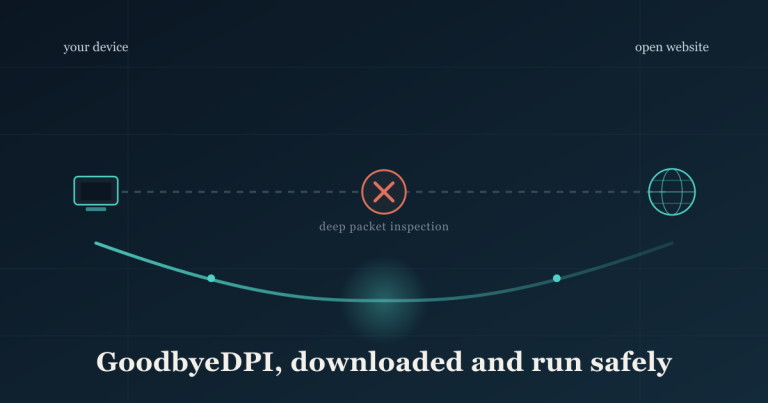
Quick answer: Only download goodbyedpi.exe from the official ValdikSS GitHub repository, verify the file matches what’s listed on the Releases…
Get the latest compiled version of the deflector tool to secure your browsing from inspection and access websites without limits.If you face any errors during installation, refer back to the troubleshooting section of this GoodbyeDPI Setup Guide.
Go to Downloads Area